

Basic Setup
Configure your ICMP monitor by specifying the target host: [IMG]- Hostname or IP address: The server you want to monitor (e.g.
db.example.comor203.0.113.1) - IP family: Choose between IPv4 (default) or IPv6
- Pings per run: Number of ICMP Echo Request packets to send per check run (1-50, default: 10)
Assertions
Validate latency metrics to ensure your infrastructure meets performance requirements: [IMG] You can create assertions based on:- Latency metrics: Validate
min,max,avg, orstddevlatency values - JSON response: Assert against the full JSON response structure
Packet Loss Limits
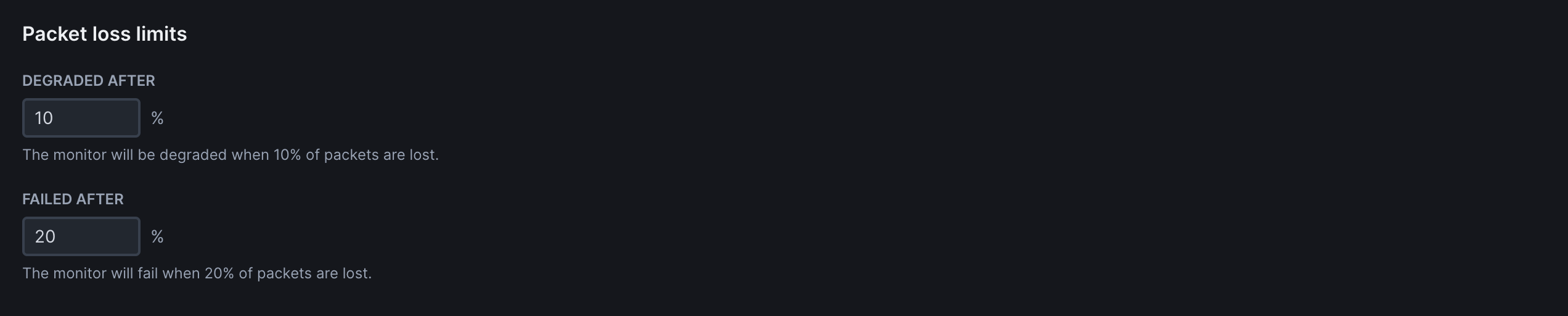
Define packet loss thresholds to determine when an ICMP monitor should be considered degraded or failed:
Frequency
Set how often the monitor runs (every 10 seconds to 24 hours):

Scheduling & Locations
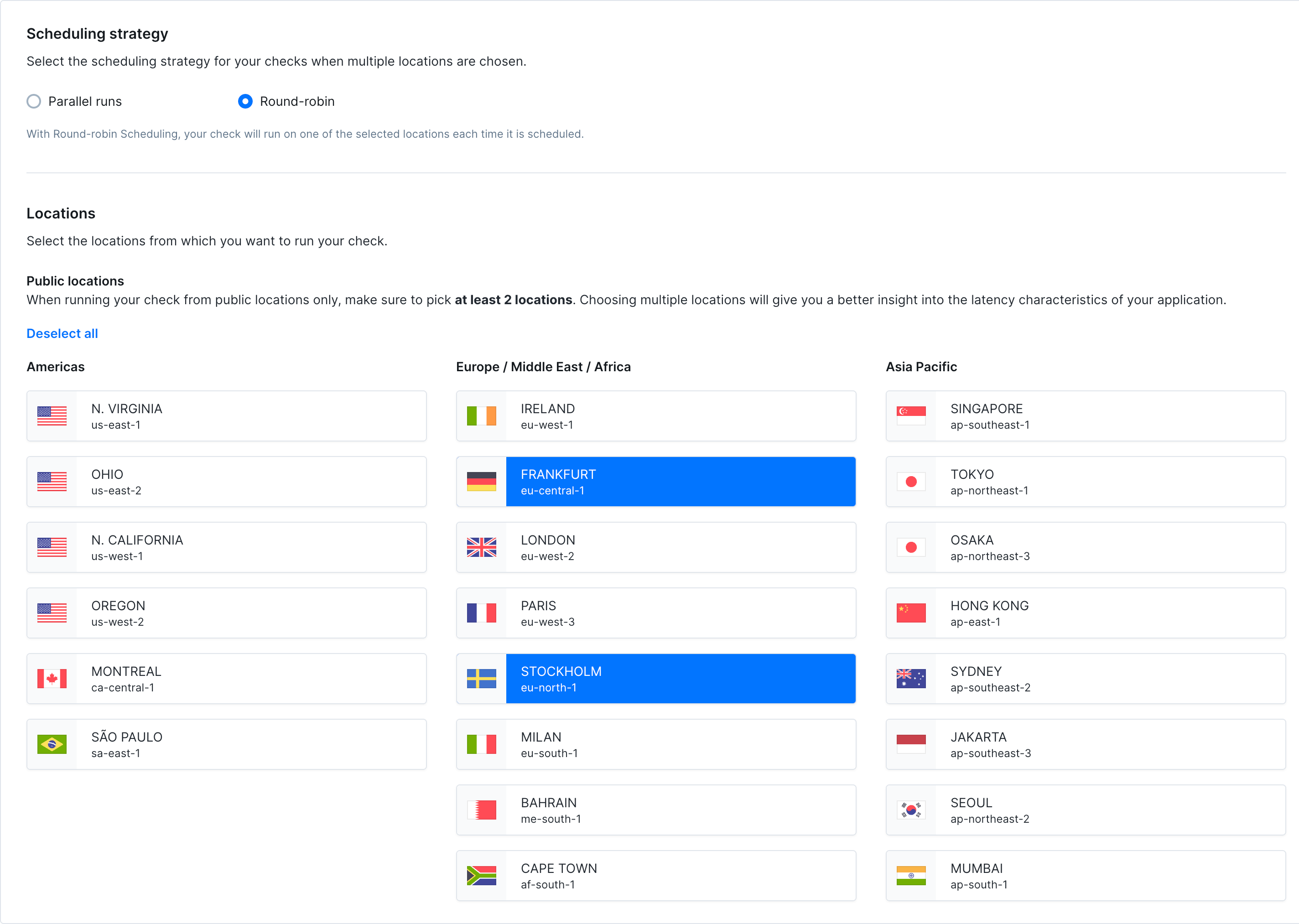
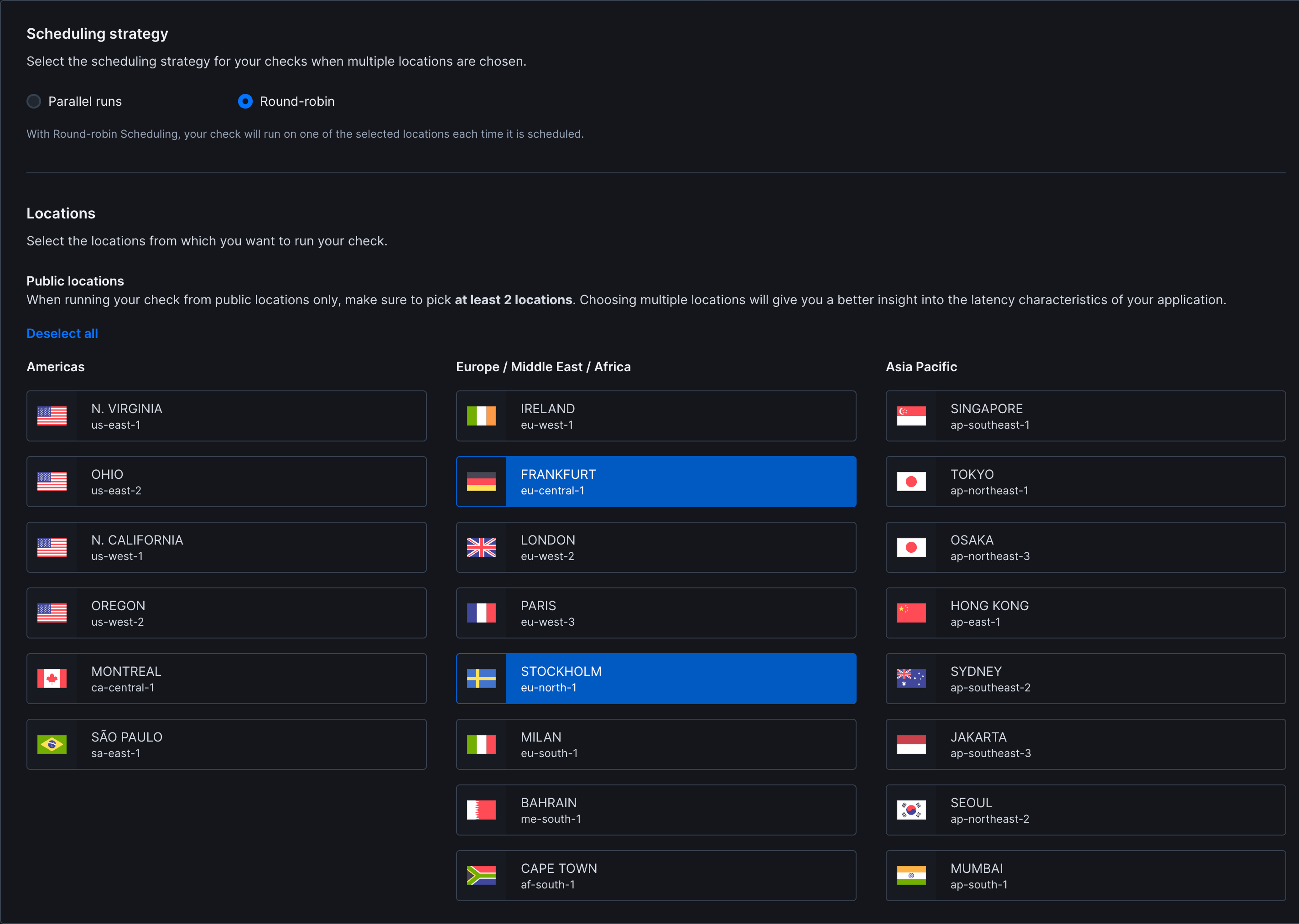
- Strategy: Choose between round-robin or parallel execution. Learn more about scheduling strategies
- Locations: Select one or more public locations to run the monitor from
- Private locations: ICMP monitors do not currently support private locations
Additional Settings
- Name: Give your monitor a clear name to identify it in dashboards and alerts
- Tags: Use tags to organize monitors across dashboards and maintenance windows
- Retries: Define how failed runs should be retried. See retry strategies
- Alerting: Configure your alert settings, alert channels, or set up webhooks for custom integrations